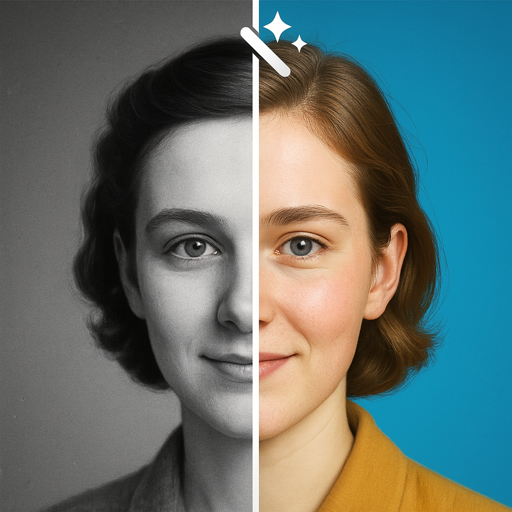
The AI Photo Restoration App for Your Family Archive
Refect restores old photos in seconds — scratches erased, faces recovered, black-and-white turned to lifelike color. Everything runs on your iPhone, so irreplaceable memories never leave your device.

Free on the App Store · Requires iOS 17.6+
Download Refect
FreeiOS 17.6 or laterPhoto & Video
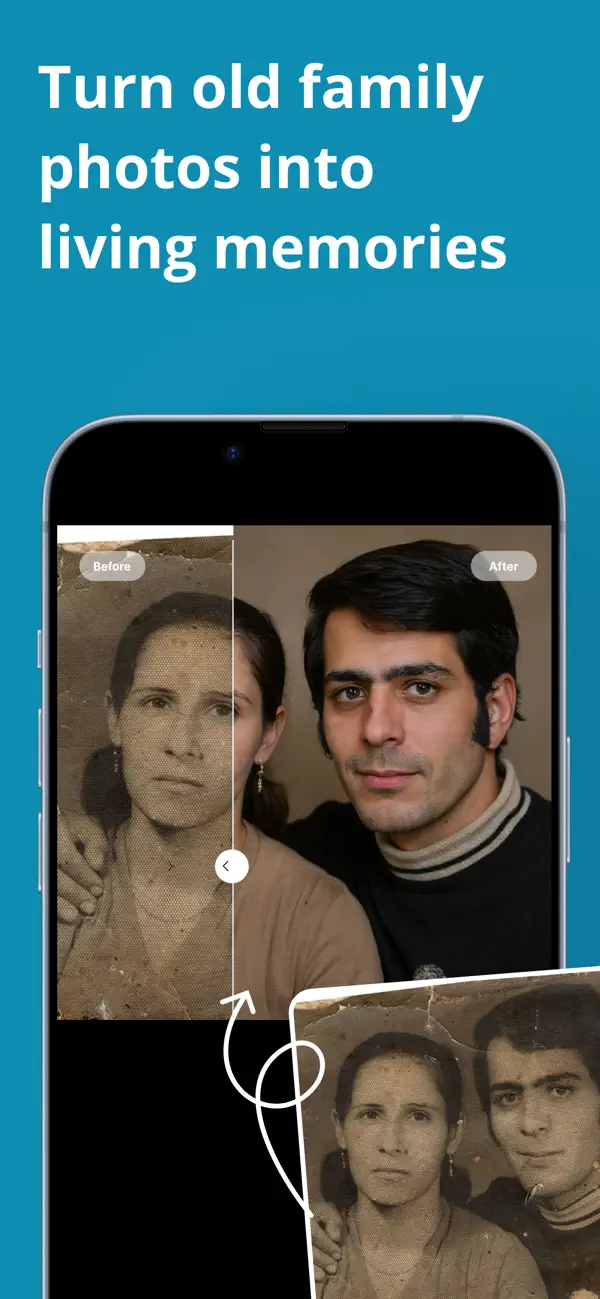
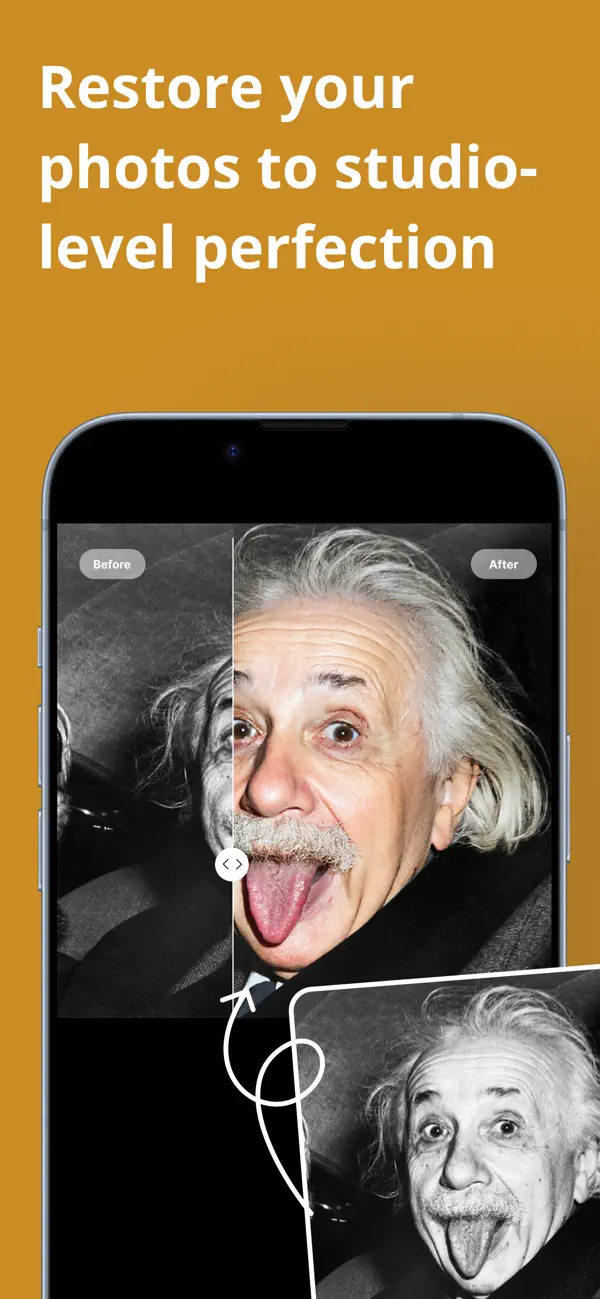
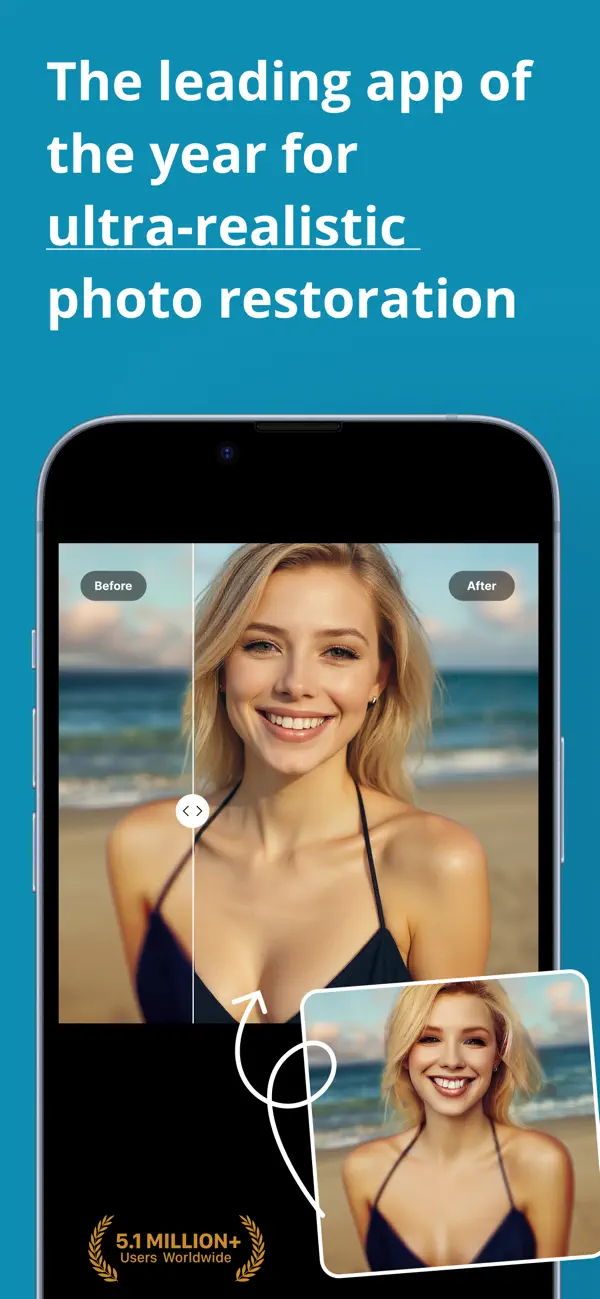
Before and after: what AI restoration recovers
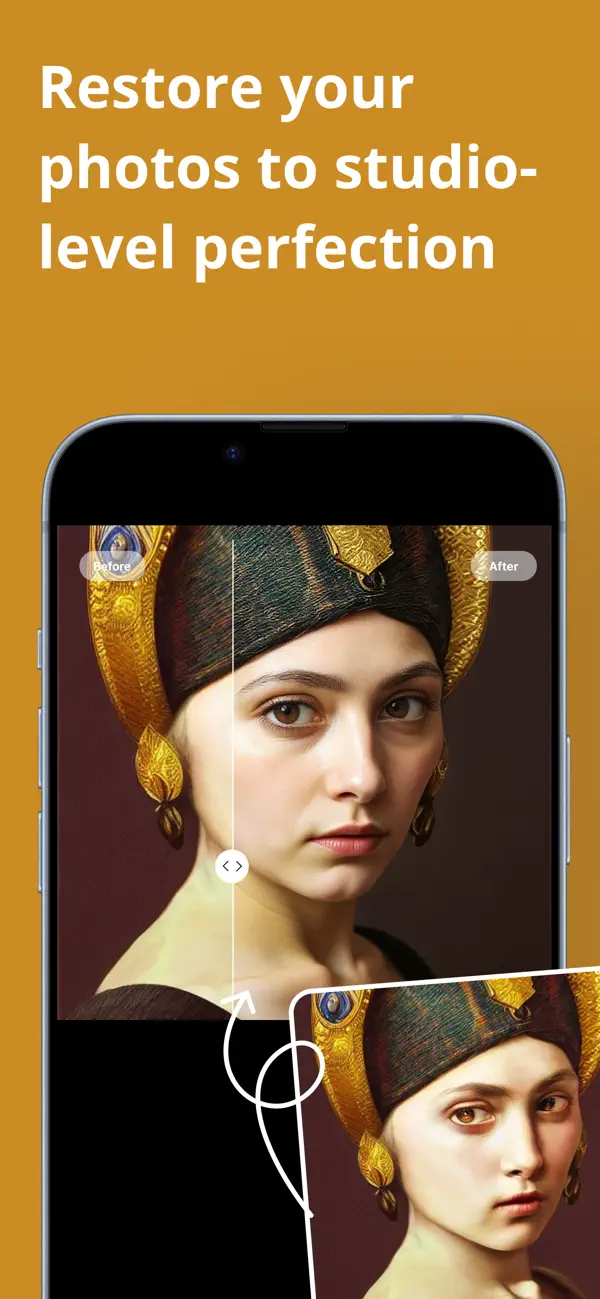
Why families restore old photos with Refect
A pocket-sized darkroom: restoration, colorization, and enhancement — with every pixel staying on your device.
One-tap restoration
Scratches, spots, creases, and fading disappear automatically — the AI reconstructs what the damage took away.
True-to-life colorization
Turn black-and-white photos into vibrant color with a model trained on millions of historical images, so the hues stay realistic.
Blur-to-sharp enhancer
Rescue soft, out-of-focus portraits and upscale up to 8× while keeping authentic film grain — no plastic AI look.
On-device privacy
The neural engine runs entirely on your iPhone. No uploads, no cloud, no internet needed — your family archive stays yours.
Face refinement
Recover facial features, fix red-eye, and improve skin tones — the model handles up to 30 faces in a single group photo.
Magic Merge & power tools
Blend two damaged prints into one complete scene, retouch manually with a brush, and export lossless PNG/TIFF.
How Refect restores your photos
From a shoebox print to a shareable memory in four steps.
Import or scan
Pick a photo from your library or scan the physical print directly with the built-in camera.
Choose a mode
RESTORE for damage, COLORIZE for black-and-white, ENHANCE for blur — or MERGE two damaged prints into one.
Fine-tune and compare
Adjust intensity sliders and flip between Before and After until it looks right. A manual brush gives precise control.
Save in full resolution
Export to your library or share — JPEG, HEIF, or lossless PNG/TIFF, with your credits synced across devices via iCloud.
Photo restoration guides
Step-by-step guides to restoring, colorizing, sharpening, and digitizing old photos — with the exact workflow in Refect.
How to Restore Old Photos (Without a Photo Lab)
How to restore old photos at home: scan, repair scratches and fading, recover faces, and colorize — the full AI workflow with the Refect app.
Read the guide →How to Colorize Black and White Photos
How AI colorizes black-and-white photos realistically, when to trust it, and how to colorize your own pictures on iPhone with Refect.
Read the guide →How to Fix Blurry Photos
Why photos blur, which blur is fixable, and how to sharpen and unblur pictures on iPhone with Refect’s AI enhancer — up to 8× upscaling.
Read the guide →How to Digitize Old Photos with Your Phone
Digitize a shoebox of old photos with just your iPhone: lighting, scanning technique, file formats — and instant AI restoration in Refect.
Read the guide →How to Repair Damaged Photos (Water, Scratches, Tears)
Water stains, scratches, tears, and fading: what AI restoration can recover from damaged photos and how Refect’s Magic Merge rebuilds missing pieces.
Read the guide →Frequently asked questions
How do I restore old photos on my iPhone?
Photograph or import the old print, run one-tap restoration to remove scratches and fading, then optionally colorize and enhance. Refect does all three stages on-device in seconds, and you can compare before/after before saving. Learn more →
Can AI colorize black and white photos realistically?
Yes — modern colorization models predict plausible colors from context and are trained on historical images, so skin, fabric, and sky tones look natural rather than tinted. Refect lets you adjust intensity and fine-tune the result before saving. Learn more →
Can I fix a blurry photo after it was taken?
Often, yes. AI sharpening reconstructs plausible detail in soft or slightly out-of-focus shots — faces respond especially well. Refect’s Blur-to-Sharp enhancer also upscales up to 8× while preserving natural grain. Learn more →
What is the best way to digitize a box of old photos?
Scan them with your phone camera in good, even light — then restore each scan digitally. Refect includes a built-in scan camera and the restoration pipeline in one app, so digitizing and repairing happen in the same flow. Learn more →
Can water-damaged or torn photos be repaired?
Usually the image that remains can be recovered: AI inpainting rebuilds missing areas, and Refect’s Magic Merge can combine two partially damaged copies of the same photo into one complete scene. Learn more →
Do my photos get uploaded to a server?
No. Refect’s neural engine runs entirely on your device — restoration works without an internet connection, which is exactly what you want for irreplaceable family photos.
Is Refect free? How do credits work?
The app is free to download and uses credits for restorations. Unused credits never expire, survive reinstalls under the same Apple ID, and sync across your iPhone, iPad, and Mac via iCloud.
Does it work on group photos?
Yes — the face model detects up to 30 faces in one photo and treats each separately, so everyone in the wedding photo gets the same quality of recovery.
That shoebox of photos is one tap from new
Download Refect free and restore your first photo in seconds — privately, on your device.