iPhone Storage Full? Here’s What Actually Works
Updated July 7, 2026 · by Oguz Yildiz
“iPhone Storage Full” means the phone can no longer guarantee space for photos, updates, or even smooth operation — and the fix most people reach for, deleting memories one by one, is the slowest and most painful option. The faster path: find the real space hogs, compress the media (usually the bulk of it), and clear the hidden caches. Fifteen minutes of triage typically recovers more than an afternoon of deleting.
What the warning actually means
iOS starts complaining when free space gets critically low, because the system itself needs working room — for updates, app installs, and the swap space that keeps the phone responsive. That is why a full iPhone also feels slow: the storage crisis is a performance crisis. Getting back even 5–10 GB changes daily behavior; getting back 20 makes the warning a memory.
The 15-minute triage
- Diagnose (2 min): Settings → General → iPhone Storage. Read the bar: for most people Photos dominates, then Apps, then Messages. Your biggest segment is your battle plan.
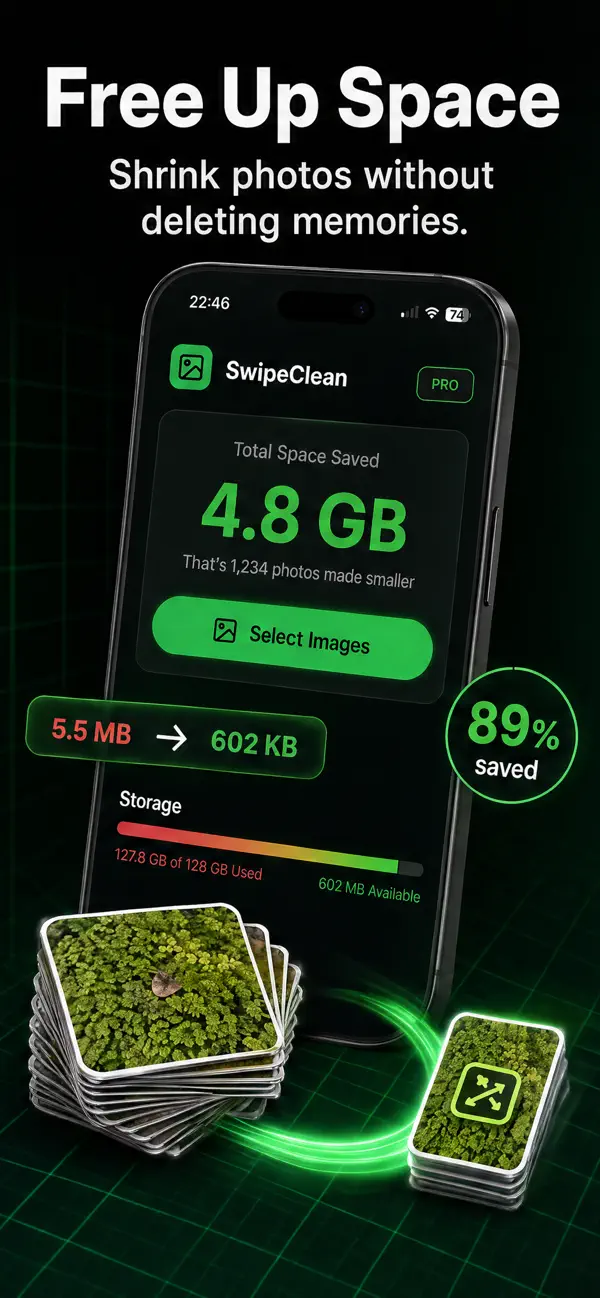
- Compress your camera roll (10 min): the highest yield per minute. In SwipeClean, batch-select photos and videos, pick a compression level, and watch the projected savings — 60–90% per item, several gigabytes for a typical multi-year library. It runs on-device and shows every saving before you commit, so nothing is risked. Videos first: they are the single biggest wins.
- Offload unused apps (2 min): in the storage list, offload anything unused for months — the app leaves, your data stays, reinstalling restores everything.
- Empty the hidden bins (1 min): Photos → Recently Deleted → Delete All, and Messages → Review Large Attachments. Both routinely hide gigabytes.
Why compress instead of delete?
Deleting is a per-photo decision with an emotional cost — which is why the deleting strategy always stalls. Compression is one decision for the whole library: every photo stays, every photo shrinks. The math favors it too: compressing 1,000 photos at 80% savings recovers as much space as deleting 800 of them. The full method is in how to free up storage on iPhone, with the photo-specific details in reduce photo file size on iPhone.
If the warning keeps coming back
- Record smaller video: Settings → Camera → Record Video → 1080p at 30 fps. 4K/60 is the storage-full generator.
- Monthly compression habit: five minutes of SwipeClean per month keeps new media lean.
- Message auto-delete: set Messages history to 1 year.
- Know your baseline: if the phone is 64 GB and your library is 70, no cleanup out-runs arithmetic forever — compression buys the most time of any free option.
Related questions
Why is storage full when I have iCloud?
iCloud syncs your library; with “Optimize iPhone Storage” it keeps smaller local versions, but the phone still needs substantial local space and the originals still count against your iCloud quota. Compression reduces the actual file sizes — the two approaches stack nicely.
What can I delete safely when storage is full?
In order of zero-regret: Recently Deleted contents, large Message attachments, streaming-app downloads, browser caches, and offloaded app binaries. Notice photos are not on the list — compress those instead.
Does a full iPhone really slow down?
Yes — below a few free gigabytes, iOS struggles with caching and background tasks, and stutters follow. Users consistently report the phone feeling faster after a storage cleanup; the system got its working room back.