Don’t Know What to Cook Today? Tap Once.
What Cook Today ends the nightly “what should we eat” debate: get a random recipe by category, search by the ingredients in your fridge, and cook along with 8,000+ step-by-step video recipes.

Free on the App Store · Requires iOS 13.0+
Download What Cook Today
FreeiOS 13.0 or laterHealth & Fitness · Food & Drink

From “no idea” to a full menu
Why home cooks keep What Cook Today on the home screen
A random recipe generator, an ingredient search, and a meal planner — with every recipe on video.
Random recipe, zero decisions
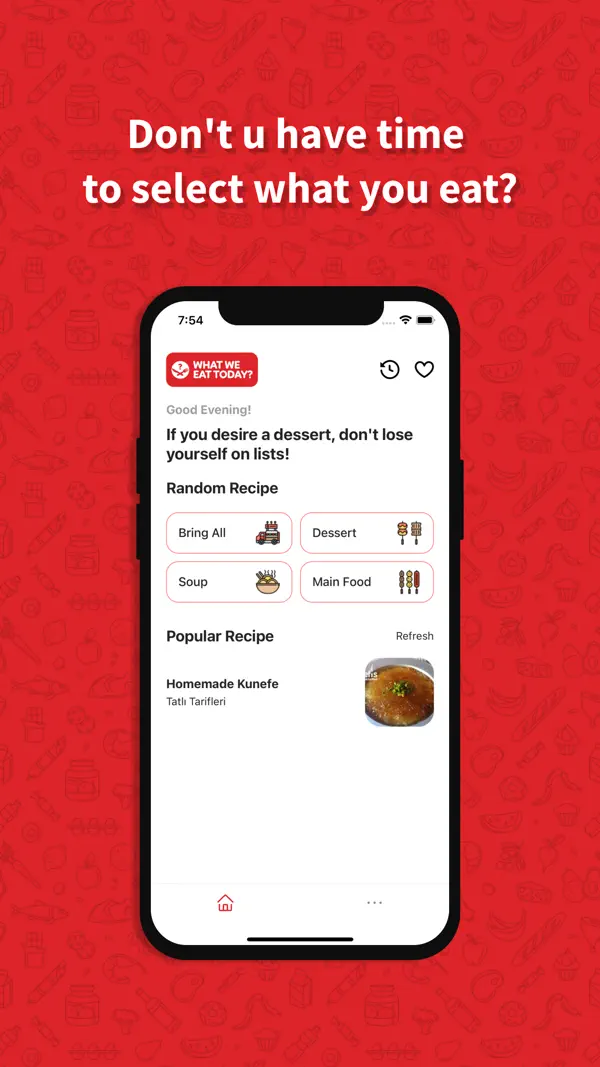
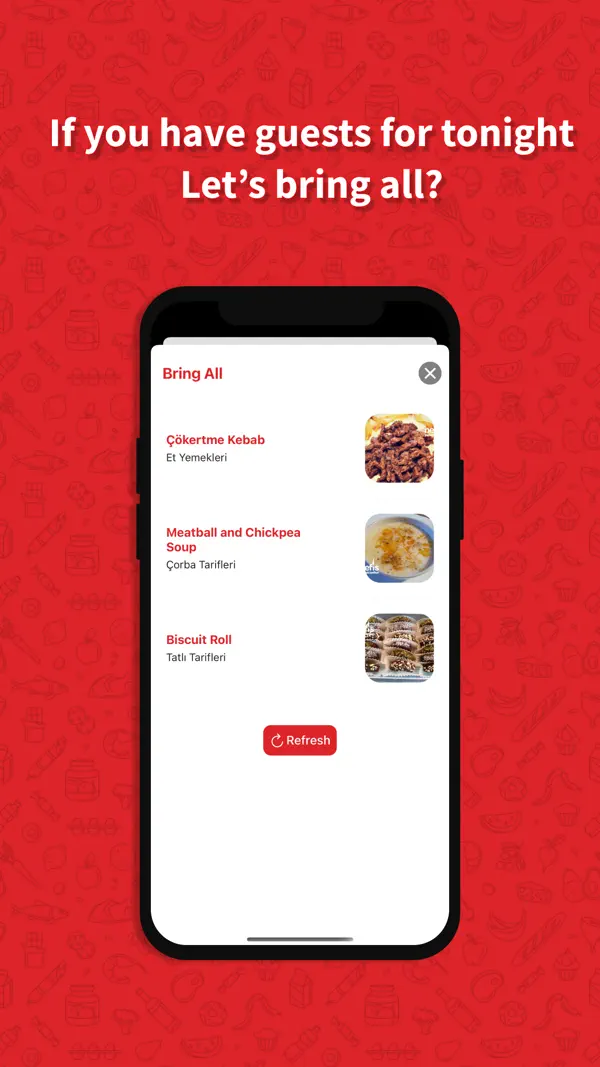
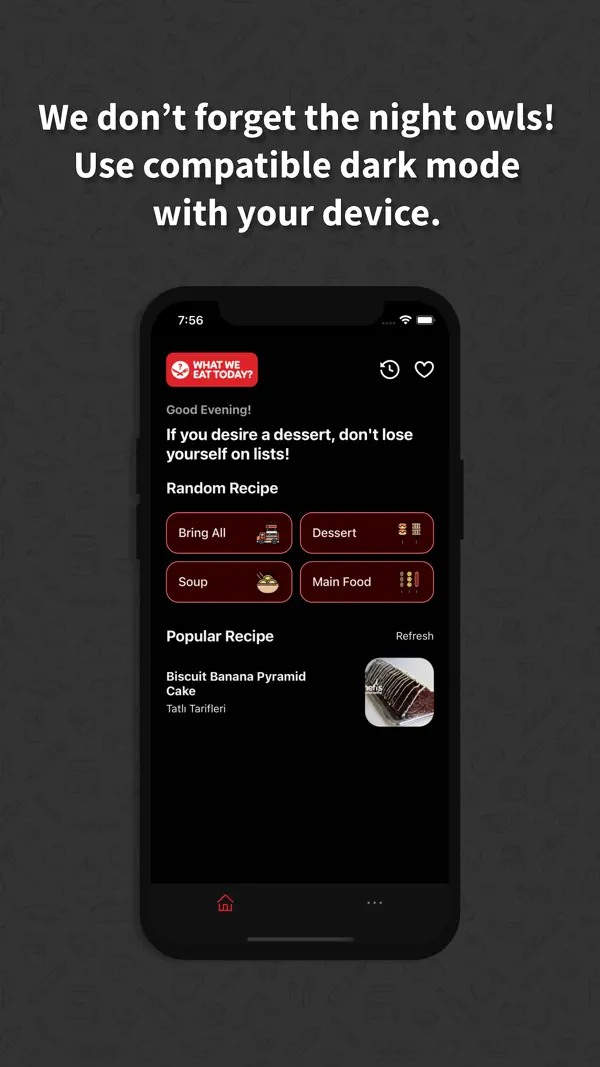
Tap a category — soup, main, dessert, or Bring All for a full menu — and get a recipe instantly. Refresh until something makes you hungry.
8,000+ video recipes
Every step on video, so “this recipe didn’t work” never happens. Watch, pause, cook along hands-free with Recipe Mode.
Search by your ingredients
Type what’s in the fridge — “chicken and potatoes” — and Smart Search finds practical recipes that use it.
Weekly meal planner
Plan the week and the app builds your shopping list automatically. Groceries once, dinners sorted.
Healthy filters
Filter by calories and macros, and browse dedicated healthy, vegan, gluten-free, and air-fryer categories.
Works offline
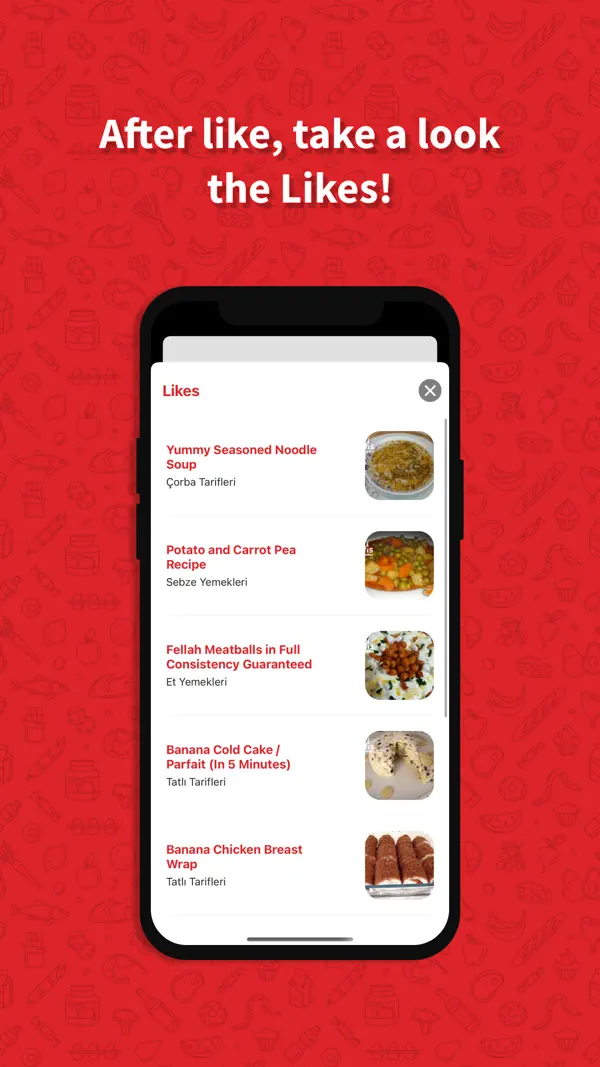
Favorites are available without a connection — the recipe survives the kitchen’s dead Wi-Fi corner.
How What Cook Today works
From “no idea” to cooking in under a minute.
Pick a category — or gamble
Choose soup, main, dessert, or hit Random and let the app decide. Hosting? Bring All builds a full menu.
Or search your fridge
Enter the ingredients you already have and get recipes that actually use them.
Cook along on video
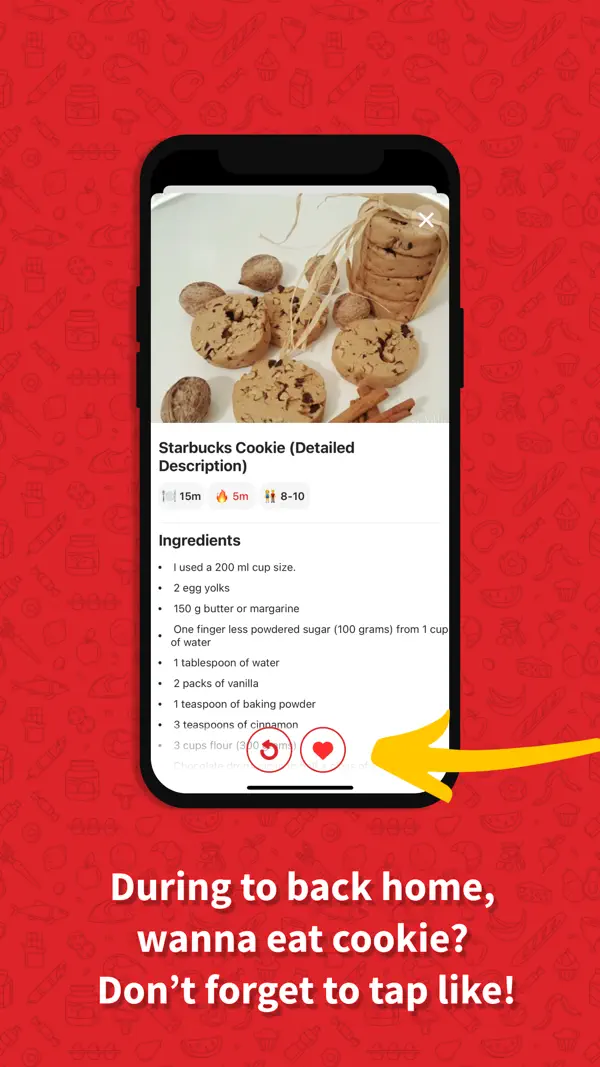
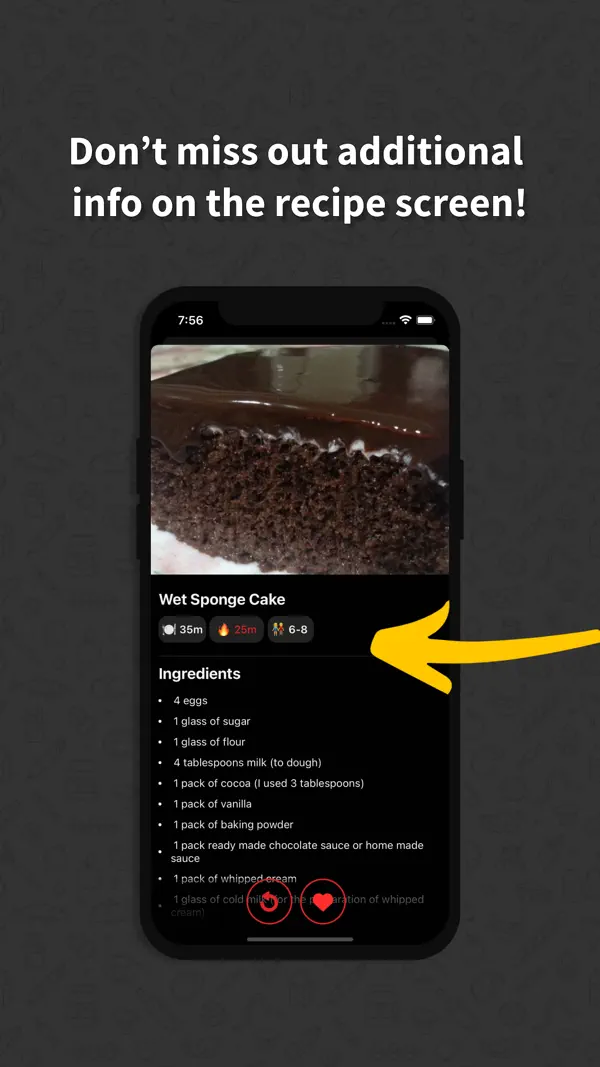
Follow step-by-step video instructions with measurements, timings, and servings on one screen.
Save and plan ahead
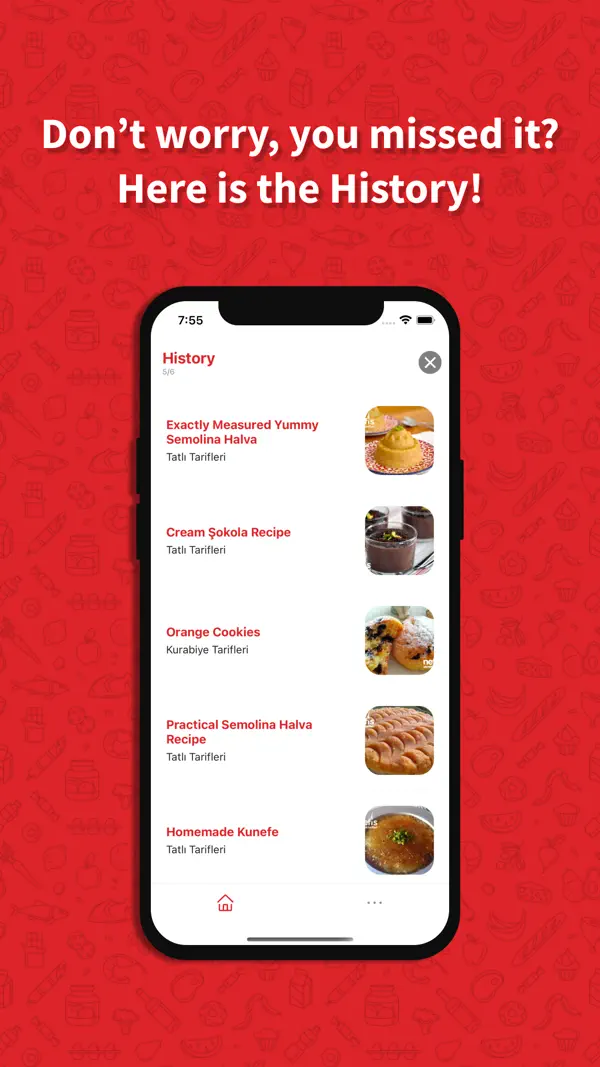
Like recipes to build your recipe book, plan your week, and auto-generate the shopping list.
Dinner decision guides
Guides for the eternal questions — what to make for dinner, what to do with chicken, how to plan a week of meals — answered with the app that decides for you.
What Should I Make for Dinner? A System That Ends the Question
Stop the nightly dinner debate: a decision system for what to make tonight — randomize, veto, cook — powered by the What Cook Today app.
Read the guide →Random Recipe Generator: Let Dinner Pick Itself
How a random recipe generator beats endless scrolling, and how What Cook Today deals category-filtered random recipes with video steps.
Read the guide →Find Recipes by Ingredients You Already Have
Turn “what can I make with what I have” into dinner: ingredient-based recipe search, smart pairings, and video steps in What Cook Today.
Read the guide →What to Cook with Chicken: Beyond the Same 3 Dishes
Chicken again? Soups, bakes, pasta, wraps, and air-fryer ideas — how to turn chicken plus whatever’s in the fridge into dinner with video recipes.
Read the guide →Weekly Meal Planning That Takes 15 Minutes
Plan a week of dinners in 15 minutes: the picking framework, the auto-generated shopping list, and how the app keeps the plan on track.
Read the guide →Frequently asked questions
What should I make for dinner tonight?
When nothing comes to mind, stop browsing and randomize: pick a category, let the app deal a recipe, and veto until one clicks. Decision fatigue — not a lack of recipes — is why dinner feels hard, and a random pick with a veto beats scrolling lists. Learn more →
How does a random recipe generator work?
It deals you a recipe from a curated pool — in What Cook Today, filtered by the category you choose, so “random dessert” never serves you a soup. Refresh until something makes you hungry; most people land a dinner within three taps. Learn more →
Can I find recipes based on ingredients I already have?
Yes — type the ingredients (say, chicken and potatoes) into Smart Search and the app returns practical recipes that use them. It is the fastest cure for a full fridge with no plan. Learn more →
What can I cook with chicken?
More than the same three dishes: soups, oven bakes, pasta, wraps, salads, and air-fryer recipes. Search “chicken” plus whatever else you have and pick from video-guided options ranked by practicality. Learn more →
How do I plan meals for the whole week?
Pick 5–7 recipes once, on the weekend, and let the app generate the combined shopping list automatically. One decision session and one grocery run replace seven nightly debates. Learn more →
Is What Cook Today free?
Yes — download and core features are free on iPhone and Android. Premium (optional, with a 3-day free trial) removes ads and adds unlimited favorites, advanced filtering, and personalized diet plans.
Are the recipes really on video?
Yes — 8,000+ recipes with step-by-step video instructions, plus measurements, cooking times, and serving sizes on one screen. Seeing each step is what makes recipes fail-proof.
Does it work offline?
Your favorited recipes are available offline, so the recipe keeps working even when kitchen Wi-Fi does not.
Tonight’s dinner is one tap away
Download What Cook Today free — 8,000+ video recipes on iPhone and Android.